Shopify App Detector: How to See What Apps and Tech a Store Uses
How to detect which apps, theme and ad pixels a Shopify store uses: 5 free methods, what each can and cannot see, and how to check stores in bulk.
A Shopify app detector tells you which apps, theme and tracking tools a store runs by reading the code the store sends to every visitor. You can do it for free with a browser extension, the page source or your browser console. None of these methods is complete: apps that run only on the server leave no trace on the storefront, so treat any result as a lower bound, not the full list.
The short answer: use a browser extension for one-off checks, the console and page source to confirm the theme and pixels, and a dataset when you need the same signals for hundreds of stores at once.
What an app detector can and cannot see
Shopify apps reach a storefront in a few ways, and only some are visible from outside:
- Theme app extensions and script tags load JavaScript or CSS on the storefront. These are the apps a detector can usually spot, such as reviews widgets, pop-ups, upsell blocks and chat.
- Tracking pixels and tags (Meta, TikTok, Pinterest, Snapchat, Google) load from known domains, so they are the easiest signals to detect reliably.
- Back-end apps such as inventory sync, shipping rules, order routing or accounting tools never touch the storefront. No detector can see them.
- Apps that were removed sometimes leave behind code, so a detector can report an app the store no longer pays for.
So a detector answers "what does this store load", not "what does this store pay for". That is still useful for prospecting, because the visible apps and pixels say a lot about how mature a store is.
5 ways to detect what a Shopify store uses
1. Browser extensions
Extensions that fingerprint technologies on the page, and Shopify-specific ones that list the theme and detected apps, are the quickest option. Open the store, click the extension, read the list. Coverage differs between tools and none is exhaustive, so check one or two against a store you control to see what they miss.
2. Read the theme from the console
Open the store, open the browser developer tools, and type Shopify.theme in the console. Most stores return an object with the theme name and id. This tells you the theme the store has published, which is useful for agencies that specialise in a theme or sell theme-specific fixes.
3. View the page source
Search the page source (Ctrl+U or Cmd+U) for cdn.shopify.com, apps.shopifycdn and /apps/. App scripts and asset paths often include the app name. Search for fbq(, ttq., pintrk( and gtag( to confirm the Meta, TikTok, Pinterest and Google tags.
4. Check the network tab
Reload the page with the Network tab open and filter by third-party domains. Each domain you do not recognise is a vendor the store loads. This catches apps that inject scripts after the page loads, which a plain view-source misses.
5. Use official pixel helpers
The Meta Pixel Helper and Google Tag Assistant browser tools confirm which pixels fire and whether they fire correctly. Use them when ad tracking is the reason you are looking at a store.
What the signals tell you about a store
Do not collect signals for their own sake. Pick the ones that map to what you sell:
| Signal | What it suggests | Who can use it |
|---|---|---|
| Meta or TikTok pixel present | The store runs or has run paid social | Ad agencies, creative freelancers |
| No ad pixels at all | Paid acquisition not set up | Ad agencies selling a first setup |
| Premium or heavily customised theme | Budget spent on design | Developers, CRO agencies |
| Very old or unmaintained theme | Likely slow and out of date | Speed and theme upgrade offers |
| Review, email or loyalty apps | The store invests in retention | App founders selling alternatives |
For example, an SEO agency can pair a missing blog or thin product copy with a recognisable theme, and write one specific line in the first email instead of a generic pitch. Our guide to getting SEO clients without cold calling shows how to qualify stores from public signals like these.
Checking stores in bulk
The five methods above take a few minutes per store. They work for ten stores and fall apart at a thousand. For bulk work you need a dataset that has already collected the signals.
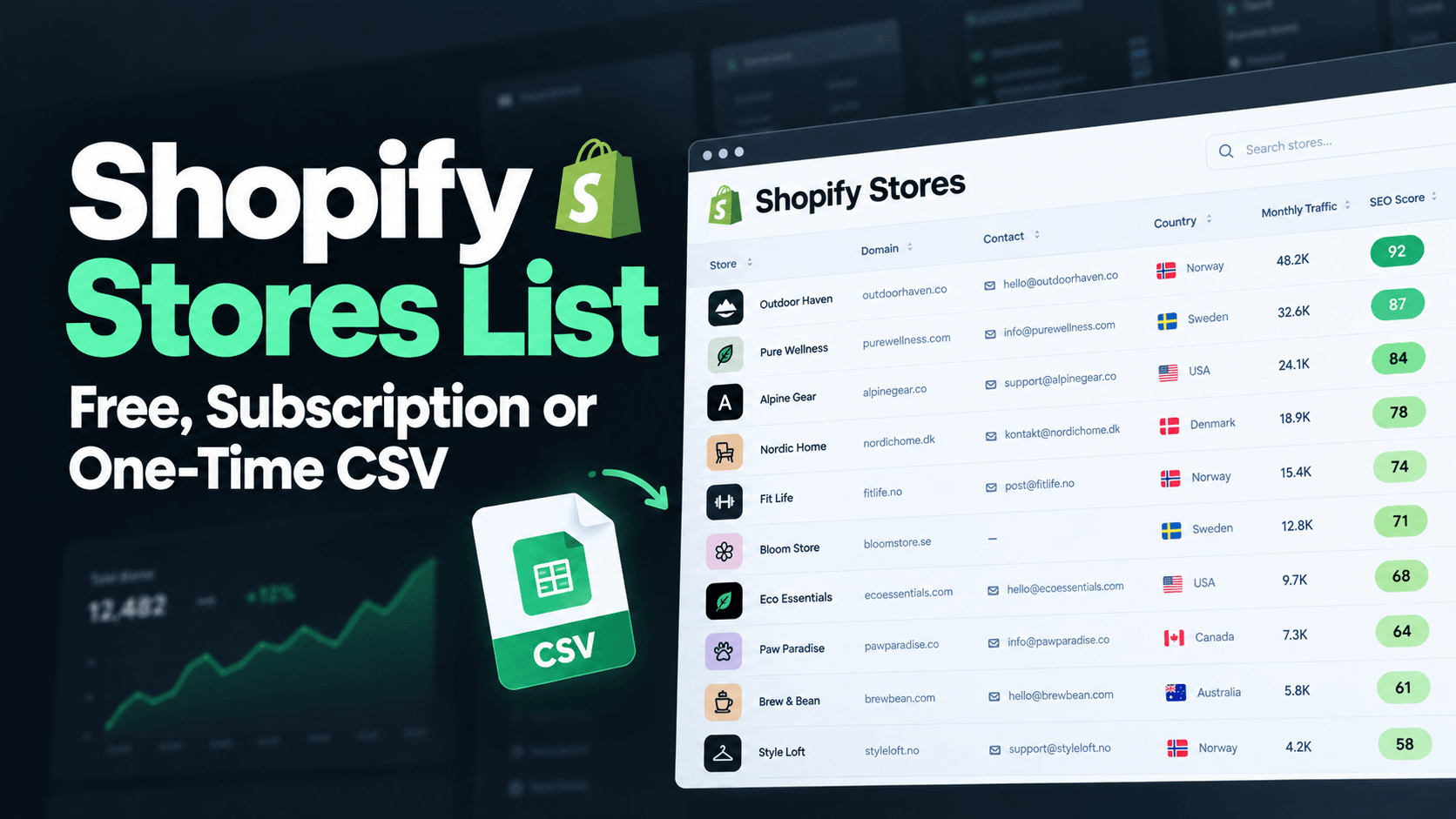
The ShopScoutr CSV includes, for each store, the detected ad pixels (Meta, TikTok, Snapchat, Pinterest and Google), the theme name, whether the theme is a premium one, an SEO score from 0 to 100, estimated traffic, country, language and the store's published contact email. It does not list which Shopify apps a store has installed, so if you need app-level data you will still need a detector or a specialised database for the final shortlist.
As an example of the theme data, our current crawl of 10,495 stores shows Dawn, Shopify's default theme, on 415 of them, followed by Prestige on 154 and Impulse on 117. Pixels are observed on the storefront. Traffic numbers are modelled estimates and emails are not verified. To judge it yourself, download the free 300-row sample, which includes every column.
If you are still deciding how to find the stores in the first place, see how to find Shopify stores in your niche. For subscription databases that do list apps, compare options in Store Leads alternatives.
A simple workflow
- Build the list. Start from a Shopify stores list filtered by industry and country.
- Filter on the signals you can read from data. For example, stores with a Meta pixel in one industry.
- Manually check the shortlist with an extension and the console for the apps that matter to your offer.
- Write one specific line per store and send a small batch first.
If you will be emailing the list, read Shopify store owners email list: how to get one and use it legally first.
FAQ
Can I see every app a Shopify store has installed?
No. You can see apps that load code on the storefront. Back-end apps that never touch the storefront cannot be detected from outside, and removed apps can leave traces.
How do I find out which theme a Shopify store uses?
Open the store, open the browser console and type Shopify.theme. The result usually includes the theme name. Some stores rename their theme, so the name may be a custom label rather than the original theme.
How do I check whether a store runs Facebook or TikTok ads?
Check for the Meta and TikTok pixels with the pixel helper tools or by searching the page source for fbq( and ttq.. A pixel shows the store tracks ads, not how much it spends. For public ad creative, search the Meta Ad Library for the brand.
Is it legal to check what tech a store uses?
Reading the code a public website sends to every visitor is normal practice. Contacting the owner afterwards is a separate matter, and cold email rules differ by country.
Does ShopScoutr show installed Shopify apps?
No. It shows the ad pixels it detects, the theme, SEO score, estimated traffic and a published contact email for each store. It does not list installed apps.