How to Find Shopify Stores: 9 Proven Methods
How to find Shopify stores in any niche, and how to tell which ones are actually worth pitching to
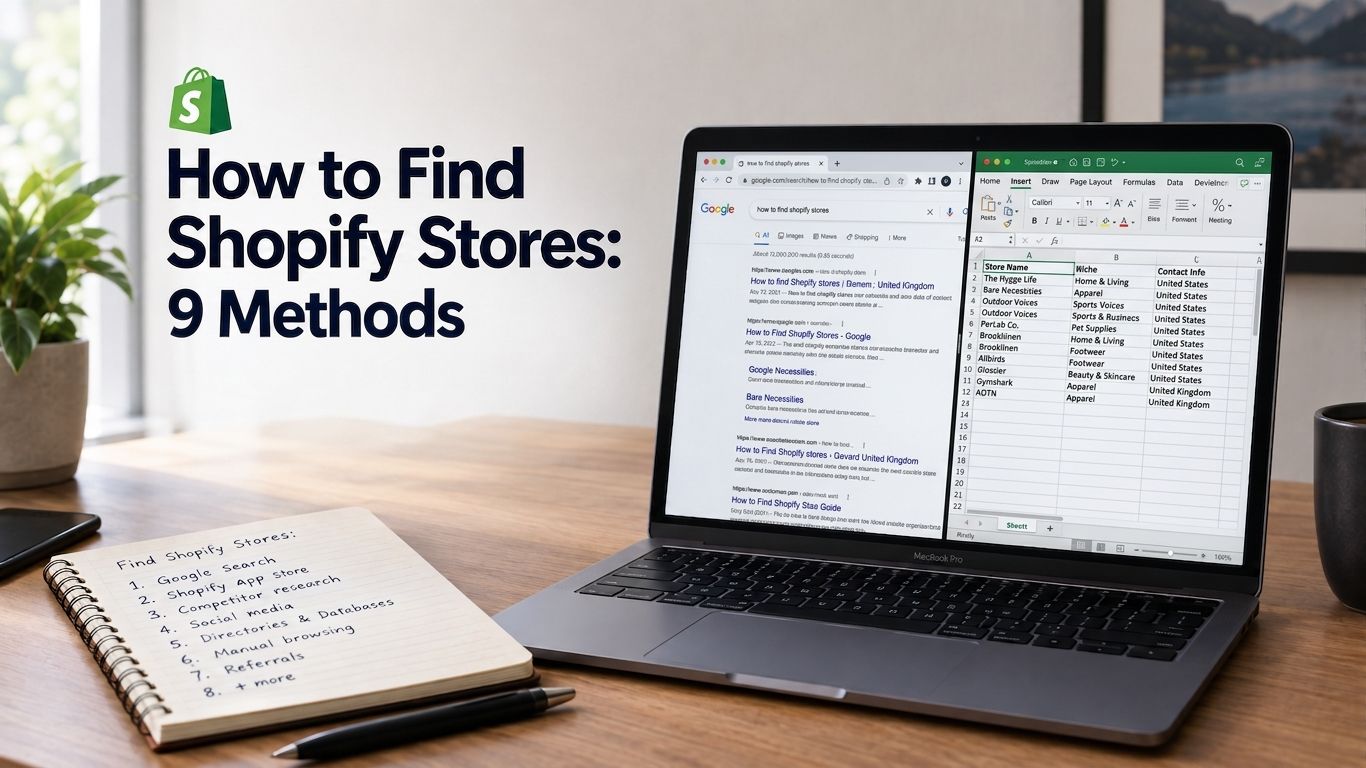
How to Find Shopify Stores: 9 Methods (and How to Know Which Ones Are Worth Pitching)
If you sell to Shopify merchants for a living, whether as an agency, an app founder, or someone running lead gen, "how to find Shopify stores" (ideally ones in your actual niche) is probably the first thing you typed into Google. Fair enough. It's not actually that hard. Give someone a laptop and half an hour and they can put together a list of a few hundred stores in almost any category you name, pet supplements, plus-size fashion, whatever.
The question nobody answers well is which of those stores are worth your time. That's what this post is actually about: nine ways to find Shopify stores in any niche, and then the part most guides leave out, how to tell a real lead from a dead URL.
Finding the stores was never the hard part
Shopify passed 4 million live stores a while back, and a lot of them are findable with nothing more than a search engine and a handful of known URL patterns. That part's easy. What's hard is that a raw list of store URLs tells you almost nothing about whether anyone behind them has a budget, a reason to buy what you're selling, or is even still checking their email.
It gets worse the further down the list you go. The first fifty stores you find by hand are probably a decent sample of your niche. Store number four hundred might be dormant. It might be someone's side project doing twelve orders a year. It might belong to a founder who shut the whole thing down eighteen months ago and forgot to take the site offline. Finding stores gets you volume. Qualifying them is what turns that volume into something you can actually email.
9 ways to find Shopify stores in your niche
If you're just looking for the quick answer to how to find Shopify stores, these nine methods, roughly in order of how little effort they take, will get you there.
1. Google search operators
Still the fastest free option. Shopify's default store URL (myshopify.com) and its predictable storefront paths make this doable with plain search operators:
site:myshopify.com "yoga"turns up stores that never moved off their default subdomaininurl:collections "powered by shopify" skincarecatches live custom-domain stores in a given niche- Tacking on
-inurl:apps, or excluding known marketplace domains, clears out app listings and template pages that clutter the results It won't catch everything. Most established merchants move offmyshopify.comfairly quickly. But it costs nothing and it's a real starting point.
2. The checkout URL trick
Shopify checkout pages follow the same pattern no matter what custom domain a store is using. If you already suspect a site runs on Shopify, add /cart or watch for a myshopify.com redirect (or shopify.com showing up during payment) and you'll know in seconds. This one's less a discovery method and more a way to clean up a list you built somewhere else.
3. View page source
Shopify stores leave fingerprints all over their HTML: cdn.shopify.com references, Shopify.shop, theme asset paths, sometimes the X-Shopid header in the response. Right-click, view source (or dig through response headers in dev tools), and you'll know for sure. Slow, one site at a time, but it's exact.
4. Browser extensions like Wappalyzer or BuiltWith
Tools like Wappalyzer and BuiltWith will tell you a site's platform, theme, and installed apps in one click. Past just confirming it's Shopify, seeing which apps a store already runs is genuinely useful if what you're pitching competes with, replaces, or sits next to a specific app category.
5. Shopify's Exchange Marketplace
Exchange is Shopify's own marketplace for stores whose owners are trying to sell them, and listings often come with real revenue and traffic numbers attached. It's a small slice of the ecosystem (stores mid-exit), but almost nobody thinks to mine it, and the financial detail is better than you'll get from any free source elsewhere.
6. Meta Ad Library
Want stores that are running ads in your niche right now, not just present in it? The Meta Ad Library lets you search by keyword or advertiser and see live Facebook and Instagram campaigns. Cross-check the advertiser's page against their website (methods 2 and 3 both work for this) and you've confirmed both that they're on Shopify and that they're spending money. That second part matters more than people give it credit for.
7. Community hunting
Shopify's forums, subreddits like r/shopify and r/ecommerce, category-specific communities, and the endless X/Twitter chatter around dropshipping and DTC brands all surface stores that founders bring up themselves, often with far more context than a cold URL would give you: revenue, growth stage, whatever's currently frustrating them. It's slow and it doesn't scale, but if someone's talking publicly about their store, there's a good chance it's still running.
8. App store reviews
Shopify App Store reviews are public, and reviewers often link back to their own store or mention it by name. Scan reviews on apps that are adjacent to what you sell (a shipping app if you're targeting high-volume stores, a subscription app if recurring revenue is your angle) and you'll find stores that have already adopted the kind of tooling you're used to selling around.
9. Pre-built store databases
There are datasets and tools built specifically to index Shopify stores by category, traffic, and tech stack, so you're not doing methods 1 through 8 by hand every time. You pay a bit for that convenience, but it buys back a lot of hours once you're sending outreach at any real volume. More on telling a useful one from a useless one in a minute.
A list of stores still isn't a list of leads
Every method above answers one question: does this store exist, and is it on Shopify? None of them tell you if the store has money to spend, whether it's growing or on its way out, or how you'd even reach the person who could say yes to your pitch.
That's the actual reason so much cold outreach to Shopify merchants goes nowhere. Pull 500 stores from a niche search and email all of them, and realistically you've emailed 300 that are basically inactive and 100 that are one-person hobby shops with no real budget. Maybe 100 were worth the effort. A low response rate looks like a targeting problem because that's exactly what it is.
How to actually qualify Shopify stores before you pitch them
Look past niche fit, at buying intent
Matching a store to your niche filters on one axis. What actually predicts whether a merchant responds to outreach, or buys anything at all, looks different:
Active ad spend is the big one. A store running Meta, TikTok, Snapchat, or Pinterest pixels is, by definition, spending money to get customers, which is a budget signal that no niche keyword search will ever give you. Paid-versus-organic traffic mix tells you something too: a store getting most of its visitors from paid channels is investing in growth right now, which usually means there's room in the budget for whatever helps that spend go further. Theme choice is a smaller but still useful tell, since a store on a premium paid theme has already shown it's willing to spend on the storefront itself. And a rough SEO score tells you whether a store is under-investing in organic, which matters a lot if that's what you're selling and is a decent qualifier even if it isn't.
Get contact info without opening 400 tabs
Once you've narrowed down which stores are worth pitching, the next bottleneck is finding an actual person to email. A lot of merchants publish an owner or contact email somewhere public, on the site itself, in WHOIS-adjacent records, on an About or Contact page. Doing that by hand works fine for a handful of stores. Past a few dozen it stops being realistic, and that's usually where people give up or start buying a compiled list instead.
Don't skip geography, language, and store maturity
Niche and buying intent get you most of the way, but geography and language filters matter if you can only sell or support certain markets, and filtering by how established a store is matters if your offer suits new stores better than mature ones (or the other way around).
Where a pre-qualified list saves you the time
This is the gap Shopscoutr was built to close. Rather than handing you a raw list of Shopify stores, it's a CSV of stores that are already showing buying intent, filtered by active ad pixels (Meta, TikTok, Snapchat, Pinterest), paid-traffic share, theme spend, and SEO score, with each row including the store owner's publicly published email.
It's aimed at exactly the people running into everything described above: agencies, app founders, and lead-gen operators selling to Shopify merchants who don't have the time to run nine discovery methods and then qualify the output by hand. There's a free 300-row sample if you want to see the data before deciding whether it's worth anything to you.
FAQ
How do I find Shopify stores in a specific niche?
Start with a Google search using site:myshopify.com or "powered by shopify" alongside your niche keyword, then verify results with something like Wappalyzer. Shopify's Exchange Marketplace and the Meta Ad Library are both worth checking for stores actively investing in that category.
Is there a free way to find Shopify stores? Yes. Google search operators, viewing page source, and browsing Exchange or the Meta Ad Library will all get you there for nothing. It just takes a lot more of your own time than a pre-built database would.
How do I find Shopify store owner emails for outreach? Plenty of merchants list a contact email right on their site, under About, Contact, or the footer. That's fine to do by hand for a handful of stores. At any real scale, a dataset built from publicly published owner emails saves you from opening every single site yourself.
What's the fastest way to find Shopify stores that are actively running ads? The Meta Ad Library, hands down, for a free method. Search by keyword or advertiser and cross-check against the store's site. If you need volume, look for a dataset that already flags ad pixels (Meta, TikTok, Snapchat, Pinterest) per store, since that's the same signal at scale.